Best Drone With Screen Remote for Beginners: No Phone
Bywpdev
You get to the park, you are ready to fly, and then it starts: clip your phone into the controller, open the app, wait for it to connect, dismiss the update prompt, grant the permissions again. By the time the live view finally loads, the moment you wanted to capture is half gone — and there is always that quiet worry that the phone will disconnect mid-flight.
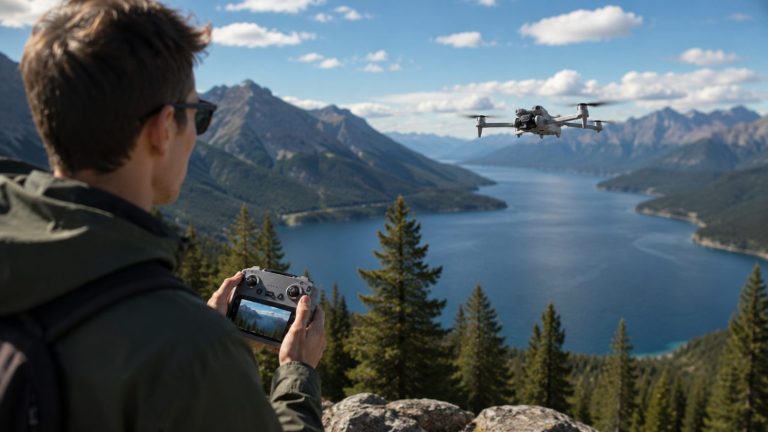
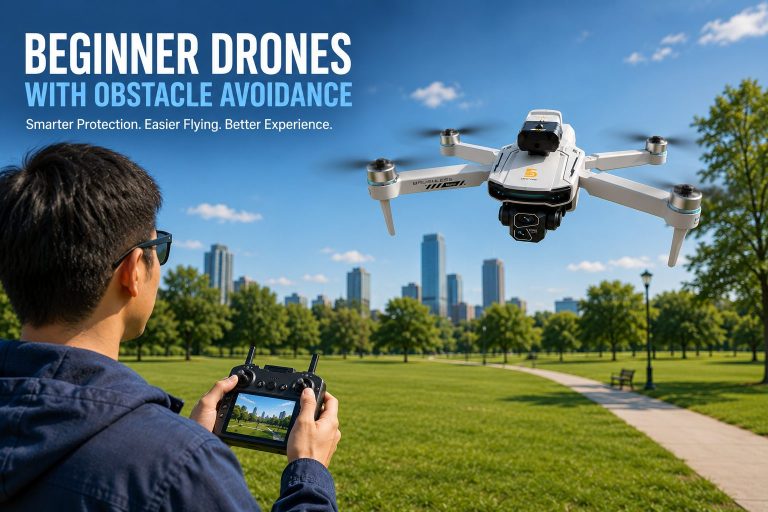
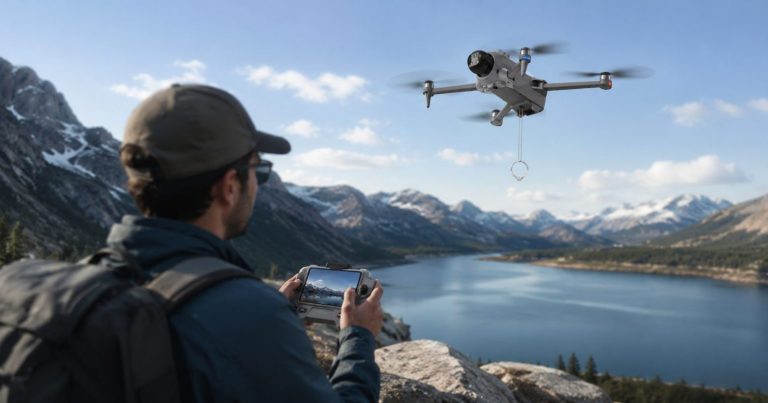
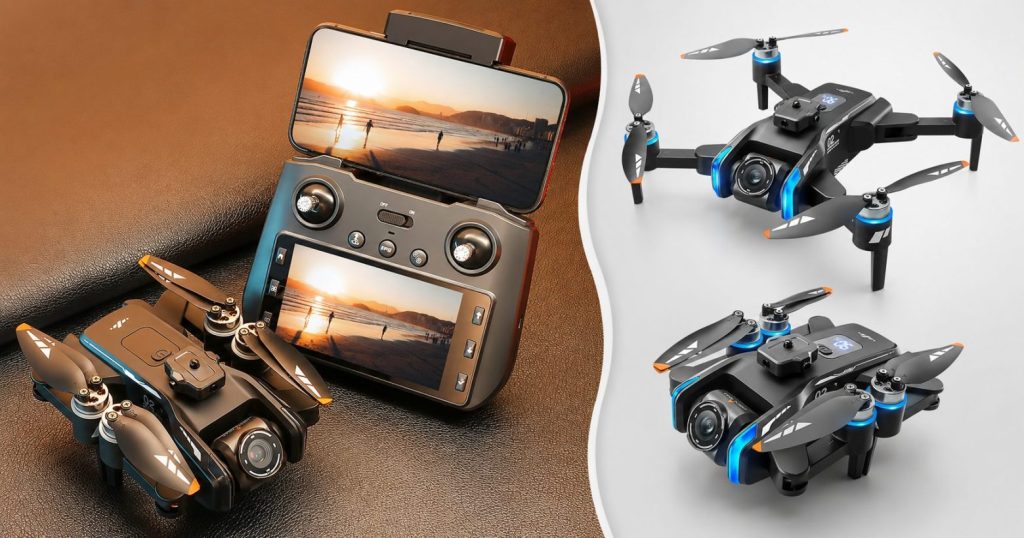
A drone with a built-in screen remote removes all of that. The screen is right there on the controller, so you power on, see the live view, and fly. This guide explains why a screen remote makes outdoor flying easier for beginners, what to look for, and which of our GPS drones come with one built in — no phone required.
Quick Answer
A screen remote is a drone controller with the live-view display built directly into it, so you do not need to attach a phone or run an app. For beginners, that means faster setup, no app logins or notifications interrupting a flight, and no risk of a phone call or low battery dropping your video feed. In our lineup, the XT808 has the largest screen at 5.9 inches, the GT6 offers 5.64 inches, and the XT606 is the most affordable screen-remote entry point at 4.3 inches.
Screen Remote vs. Phone Control: What’s the Difference?
Most budget drones ask you to clip your phone onto the controller and use it as the screen through an app. A screen remote instead has its own display built into the controller. Both show you the live camera view — the difference is in everything around that.
- Setup time. Screen remote: power on and fly. Phone: mount the phone, open the app, log in, connect, clear notifications.
- Interruptions. A phone can ring, buzz, or drop your app into the background mid-flight. A dedicated screen does one job and does not get interrupted.
- Battery. Running a demanding video app drains your phone fast. A screen remote keeps your phone in your pocket.
- Screen visibility. Many screen remotes are built to be readable outdoors; phone screens can wash out in bright sunlight.
- One less thing to fail. No app updates, no compatibility issues after a phone update, no “why won’t it connect” troubleshooting in the field.
For an experienced pilot, a phone app is fine. For a beginner who just wants to get in the air without fuss, a screen remote quietly removes most of the frustration that has nothing to do with actually flying.
What to Look For in a Screen Remote
- Screen size. A larger screen is easier to read and makes framing your shots more comfortable. Sizes in our lineup range from 4.3 to 5.9 inches.
- Built-in vs. attachment. A screen that is integrated into the remote is more durable and reliable than a separate clip-on unit.
- Paired with GPS. A screen remote is most useful on a GPS drone, where you are flying outdoors at a distance and want a clear, stable live view the whole time.
- Comfortable controls. The remote should feel balanced in your hands with the screen in place, not top-heavy or awkward.
Our GPS Drones With a Built-In Screen Remote
Every one of these includes the screen in the controller, so you fly without a phone. Here is how the screen sizes compare (a dash means the size isn’t specified for that model):
| Model | Screen Size | Best For |
|---|---|---|
| XT808 | 5.9 inches | Largest screen, easiest to read |
| GT6 | 5.64 inches | Large screen with long range |
| XT606 | 4.3 inches | Most affordable screen-remote entry |
| AE20 Max | — | Lightweight travel with screen remote |
| S-X1 | — | Screen remote with a 3-axis gimbal |
Largest Screen: XT808 (5.9-inch)
The XT808 has the biggest built-in screen in our lineup at 5.9 inches, which makes the live view easy to read and framing your shots comfortable. It pairs that with GPS and optical-flow positioning, a 180° adjustable lens, a 4K camera, and a brushless motor — a beginner-friendly package where the large, clear screen does a lot to make first flights feel relaxed.
Big Screen With Range: GT6 (5.64-inch)
The GT6 pairs a large 5.64-inch screen remote with the longest balanced range in our lineup — 2000 m of both control and video. That combination is ideal if you want a big, readable display and the confidence of a strong live feed at distance. Add a 4K camera with EIS and around 25 minutes of flight time, and it is a well-rounded choice for outdoor flying.
Most Affordable: XT606 (4.3-inch)
If you want the convenience of a screen remote without spending more, the XT606 is the entry point. Its 4.3-inch built-in screen still gives you phone-free flying, alongside GPS with return-to-home, a 4K camera, and up to 25 minutes of flight time in a compact 223 g body — the easiest affordable way into screen-remote flying.
The AE20 Max and S-X1 also include screen remotes, though their exact screen sizes are not specified — worth noting if a screen remote is a must-have but you are drawn to those models for their other strengths, like the AE20 Max’s light weight or the S-X1’s 3-axis gimbal.
Is a Screen Remote Worth It for a Beginner?
For most beginners, yes. The whole point of your early flights is to build confidence, and anything that removes friction helps. Not having to depend on your phone — no app setup, no login, no phone disconnects, no drained battery — means one less thing to think about while you are still learning to fly. You power on, you see the view, you go.
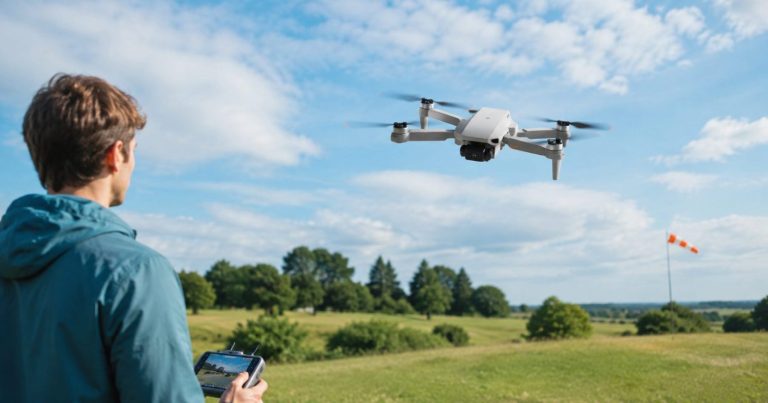
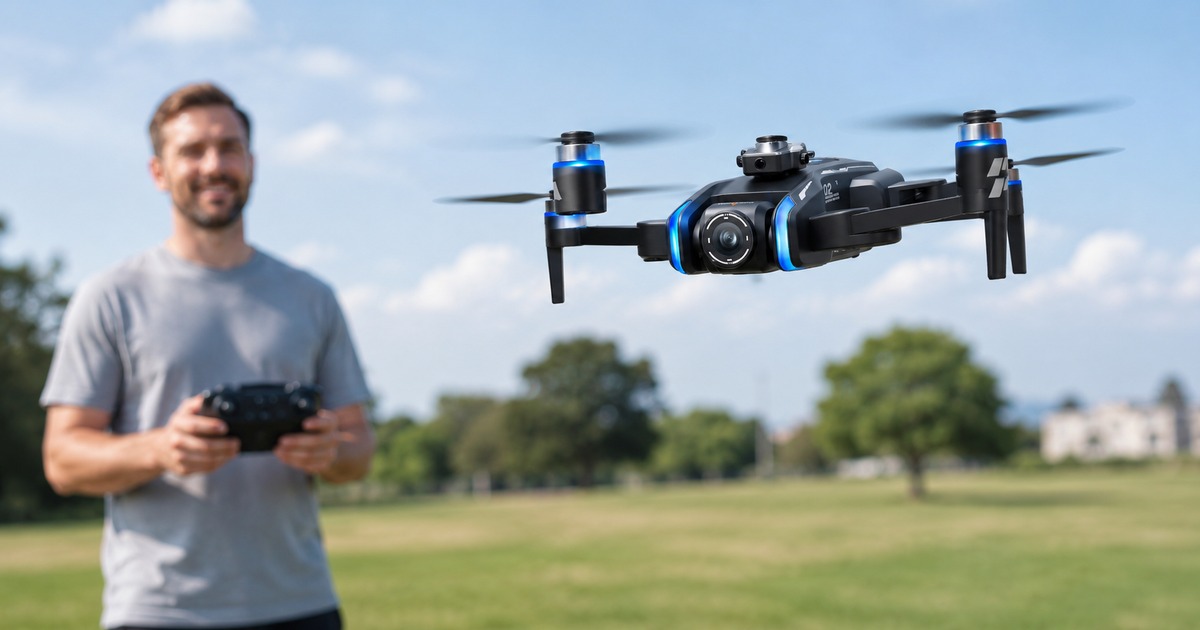
We fly each model outdoors before recommending it to beginners, and the difference a built-in screen makes is real: setup is quicker and the live view is right where you need it. The clip below is from one of our outdoor sessions.
Frequently Asked Questions
A screen remote is a drone controller with the live-view display built directly into it, so you can see what the camera sees without attaching a phone or running an app. You simply power on the remote and fly. This is different from budget drones that require you to clip your phone onto the controller and use an app as the screen.
For beginners, usually yes. A screen remote means faster setup, no app logins or phone notifications interrupting a flight, no phone battery drain, and no risk of a call dropping your video feed. A phone app can work fine for experienced pilots, but a built-in screen removes most of the setup friction that has nothing to do with flying.
In our lineup, the XT808 has the largest built-in screen at 5.9 inches, followed by the GT6 at 5.64 inches. A larger screen is easier to read outdoors and makes framing your shots more comfortable, which is helpful for beginners who want a clear, easy-to-see live view.
Yes. In our lineup, the screen-remote models are GPS drones, so they include GPS positioning and return-to-home alongside the built-in screen. The screen remote is about how you view the flight; GPS and return-to-home are about how the drone flies and stays safe. You get both together.
For most beginners, yes. Early flights are about building confidence, and a screen remote removes friction — no app setup, no login, no phone disconnects, and no drained phone battery. That means one less thing to manage while you learn to fly. You power on, see the live view, and go, which makes the whole experience less stressful.
The Bottom Line
A screen remote takes the fuss out of flying: no phone, no app, no waiting — just power on and see the live view. For a beginner, that simplicity is worth a lot. If you want the largest screen, the XT808 leads at 5.9 inches; if you want a big screen with long range, the GT6 is the pick; and if you want the most affordable way in, the XT606 delivers phone-free flying at 4.3 inches. Browse the full GPS Drones collection to find the screen remote that fits how you want to fly.