
GPS Drone Return-to-Home: How It Works for Beginners
Bywpdev
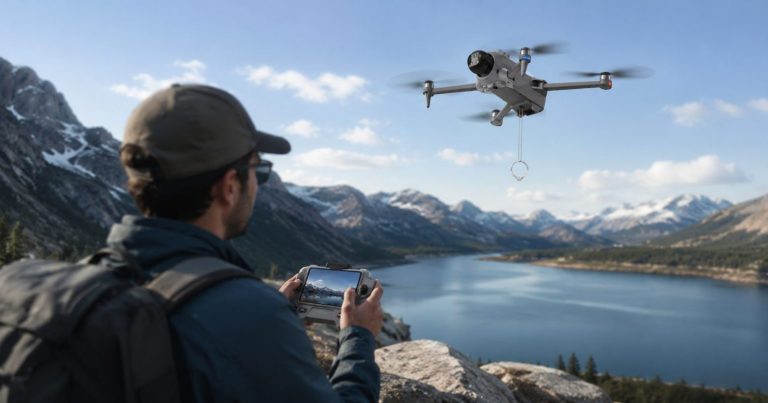
For a lot of first-time pilots, one feature sells the whole drone: return-to-home. It is the button that promises your drone will fly itself back instead of disappearing over the trees. And when you are nervous about losing something you just paid for, that promise matters more than camera resolution or flight time ever will.
But return-to-home (often shortened to RTH) is also one of the most misunderstood features on a GPS drone. Beginners treat it like a magic “come back” button, and that misunderstanding is exactly how drones still get lost — even ones that have the feature. This guide explains what return-to-home actually does, how it is triggered, why it sometimes fails, and how to test it safely before you rely on it.
Quick Answer
Return-to-home uses GPS to record your takeoff point and fly the drone back to it. It can be triggered three ways: manually by you, automatically when the battery runs low, or automatically when the drone loses signal with the remote. It is a safety net, not an autopilot — it depends on a good GPS lock, enough battery, and a clear path home, so you should always test it close to the ground before trusting it at a distance.
| RTH Trigger | What Happens | What to Watch as a Beginner |
|---|---|---|
| Manual RTH | You press the button and the drone flies back on its own | Make sure the home point is correct and the return height clears obstacles |
| Low-battery RTH | The drone returns automatically when the battery hits a set level | Wind and distance can eat the margin — don’t fly until the warning |
| Signal-loss RTH | The drone returns after losing connection with the remote | Only works if it still has a GPS lock and a clear path home |
What Does Return-to-Home Actually Do?
When a GPS drone powers on and gets a solid satellite lock, it records its current position as the “home point” — usually the spot where you take off. Return-to-home is the function that, once activated, flies the drone back to that recorded point and lands it (or hovers above it, depending on the model).
The key thing to understand is that the home point is set by GPS at takeoff, not by where you are standing right now. If you walk to a different spot after launching, the drone still returns to where it took off — not to you. For beginners, that single detail explains most “the return-to-home didn’t work” complaints: it worked exactly as designed, just not the way the pilot assumed. (If you are still choosing a model, our guide to the best GPS drones for beginners compares five options that all include this feature.)
The 3 Ways Return-to-Home Gets Triggered
1. Manual Return (You Press the Button)
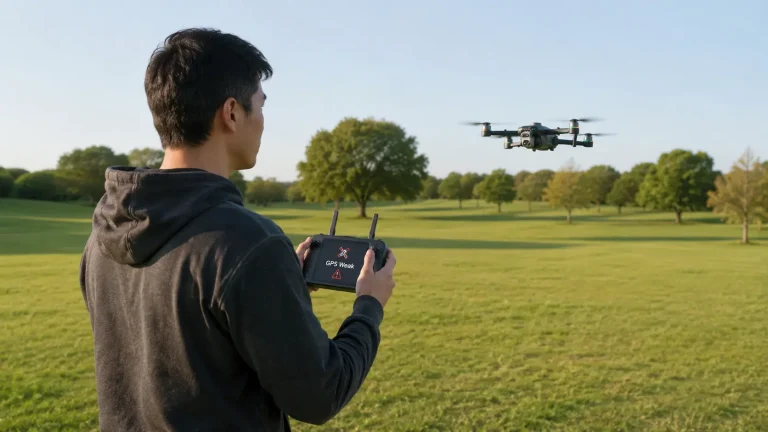
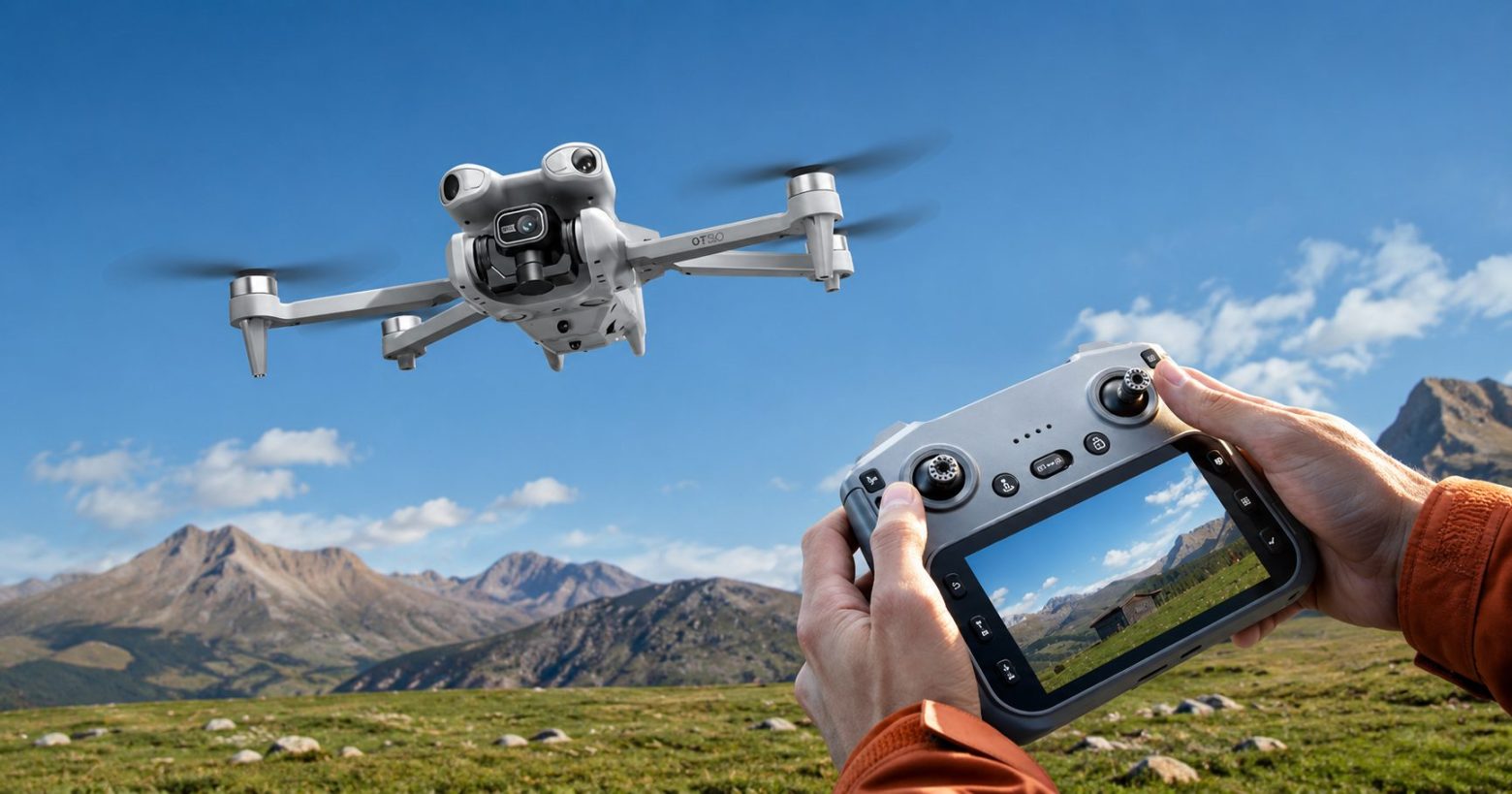
This is the one beginners use most. You press the RTH button on the remote (or in the app), and the drone stops, climbs to a set height, and flies back to the home point on its own. It is the feature you reach for when you have lost track of which way the drone is facing, or it has drifted farther than you are comfortable with. For a new pilot, this button is genuine peace of mind.
2. Low-Battery Return (Automatic)
Most GPS drones monitor their own battery and trigger return-to-home automatically when it drops to a set level, so the drone has enough power to make it back before it runs out. This is a valuable safety net, but it is not a reason to fly until the warning appears. Wind on the way back, distance, and cold weather all eat into that margin, so treat the low-battery return as a backstop — not your normal landing plan.
3. Signal-Loss Return (Automatic)
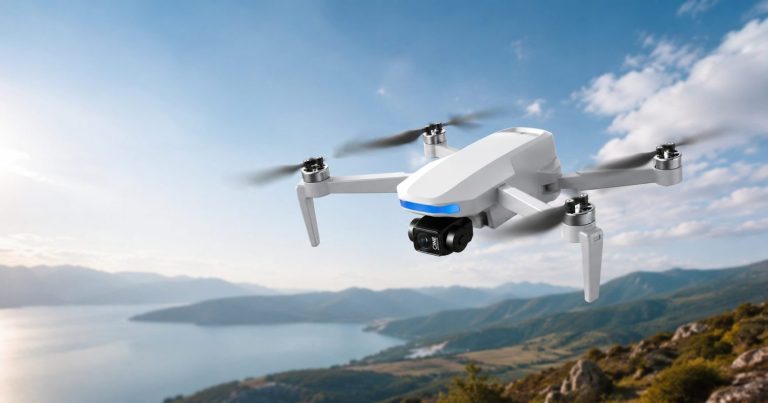
If the drone loses the control signal from the remote, many GPS models will automatically begin returning home after a short pause. This is what protects you if the drone flies behind a building or simply gets out of range. It is also why flying within sight and within range matters: signal-loss return only helps if the drone still has GPS, battery, and a clear path back. Longer-range models like the GT6 give you more room before signal becomes a concern, but the habit of staying in range applies to every drone.
Why Return-to-Home Sometimes Fails
Return-to-home is reliable when its conditions are met — and unreliable when they are not. Understanding the failure points is what separates a pilot who trusts the feature wisely from one who trusts it blindly. The common reasons it doesn’t go to plan:
- Weak or no GPS lock at takeoff. If the drone never got a solid satellite lock, it may not have a reliable home point to return to. Always wait for the GPS-ready indicator before flying.
- Not enough battery. If the battery is already very low when RTH triggers, the drone may not have the power to complete the trip — especially against wind.
- Obstacles in the path. Basic return-to-home flies back in a straight line at a set height. If that height is lower than a tree or building in the way, the drone can hit it. Setting a sensible return height before flying matters.
- Indoors or near tall structures. GPS needs open sky. Near buildings or under cover, the signal can be too weak for accurate positioning.
- Home point set in the wrong place. If the home point recorded badly, or you moved far from takeoff, the drone returns to a spot that isn’t where you want it.
None of these mean return-to-home is unreliable as a feature. They mean it is a tool with conditions — and a good beginner learns those conditions instead of assuming the button fixes everything.
How to Test Return-to-Home Safely (Before You Need It)
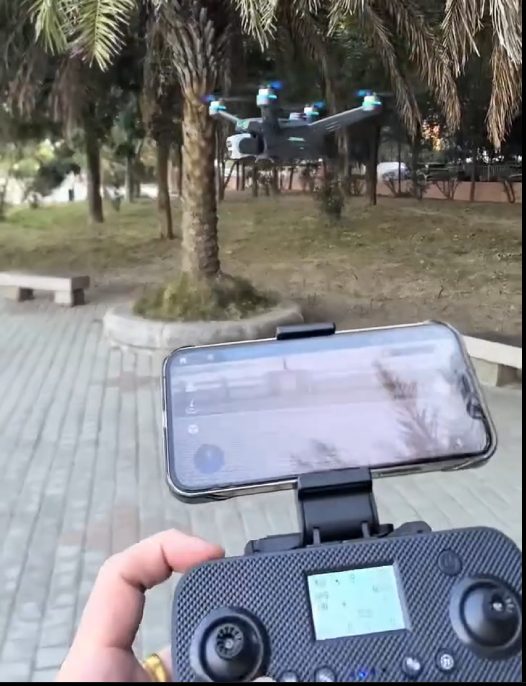
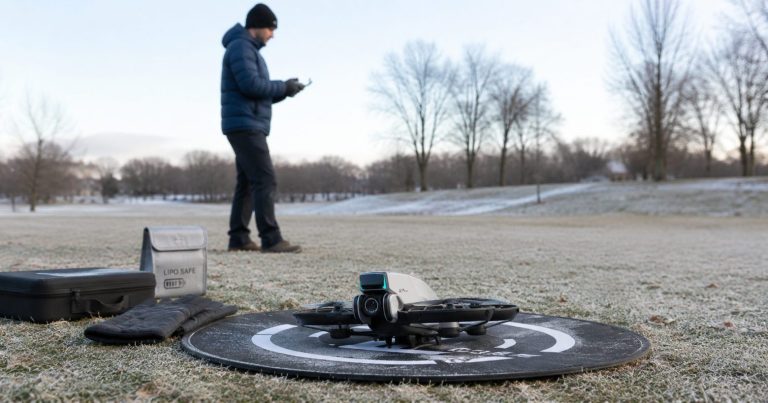
This is the part most beginners skip, and it is the most important. Never let the first time you use return-to-home be an emergency far away. Test it deliberately, close and low, so you know exactly how your model behaves:
- Fly in an open area and wait for a solid GPS lock before takeoff.
- Take off and let it hover at a low, safe height just a short distance away.
- Trigger return-to-home manually and watch what it does — how high it climbs, the path it takes, and whether it lands or hovers at the end.
- Do this a few times until the behavior feels predictable, so it is familiar when you actually need it at a distance.
- Check your manual for the return height setting and set it above the tallest obstacle in your usual flying area.
We fly each model outdoors before recommending it to beginners, including return-to-home checks in an open space — close and low, the same way we suggest you test yours. The short clip below is from one of our outdoor sessions.
What Beginners Tell Us About Return-to-Home
The same theme comes up over and over in feedback from first-time buyers: the fear of losing the drone is the single biggest thing holding them back, and one-key return-to-home is what finally puts them at ease. Buyers who were nervous about spending more on a drone — worried their skills wouldn’t keep up — tell us that knowing they can press one button and bring it back means they don’t have to stress about it flying off. Several also mention the drone holds steady in the air rather than wobbling, which makes those first flights feel a lot calmer. For most beginners, that confidence matters more than any spec on the box.
Do All GPS Drones Have Return-to-Home?
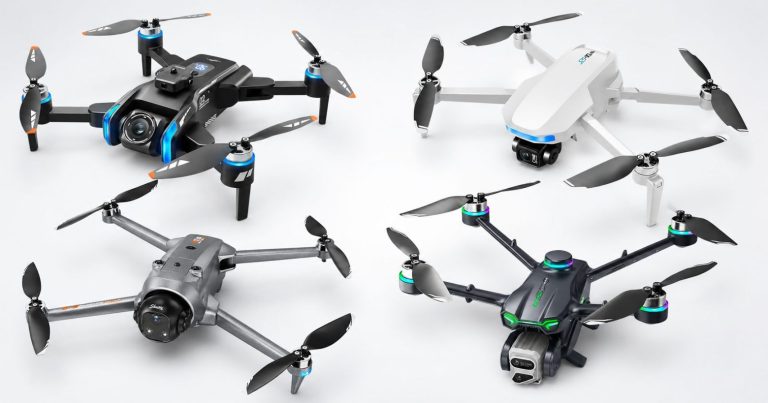
Return-to-home depends on GPS, so it is a feature of GPS drones specifically — not basic indoor or optical-flow toys. Every GPS drone in our lineup includes return-to-home alongside GPS positioning and a brushless motor. For example, the XT606 is an accessible entry point that still includes return-to-home, even at the more affordable end of the range.
If return-to-home is your top priority as a beginner, the good news is that you do not have to spend flagship money to get it.
Frequently Asked Questions
By default, return-to-home flies the drone back to the home point it recorded at takeoff using GPS — not to wherever you are currently standing. If you walk to a different spot after launching, the drone still returns to the takeoff location. This is the most common source of confusion for beginners, so always note where your home point was set.
There are two automatic triggers on most GPS drones. The first is low battery: when the charge drops to a set level, the drone returns home so it has enough power to make it back. The second is signal loss: if the drone loses connection with the remote, it begins returning home after a short pause. You can also trigger it manually at any time by pressing the return-to-home button.
Yes. Return-to-home depends on conditions being met. It can fail or behave unexpectedly if the drone never got a solid GPS lock, if the battery is too low to complete the trip, if an obstacle like a tree or building is in the straight-line return path below the set return height, or if GPS signal is weak near tall structures. This is why you should test it close and low before relying on it at a distance.
No. Return-to-home is best treated as a safety net, not your standard landing method. Relying on the automatic low-battery return as your routine plan leaves little margin for wind or distance on the way back. Use manual control to land under normal conditions, and let return-to-home be the backup for when you lose orientation, lose signal, or run low on battery unexpectedly.
No. Return-to-home relies on GPS, so it is found on GPS drones rather than basic indoor or optical-flow models. If return-to-home is important to you, look specifically for a GPS drone — every GPS model in our lineup includes it, even the more affordable entry-level options.
The Bottom Line
Return-to-home is the feature that makes outdoor flying feel safe for beginners — and it earns that reputation, as long as you understand it. Wait for a solid GPS lock, keep enough battery for the trip back, set a sensible return height, and test the feature close and low before you ever need it far away. Do that, and the button that brings your drone home becomes exactly the safety net it promises to be. Ready to start? Browse the GPS Drones collection to find a beginner-friendly model with return-to-home built in.